/synclair/settings is where that gets decided.
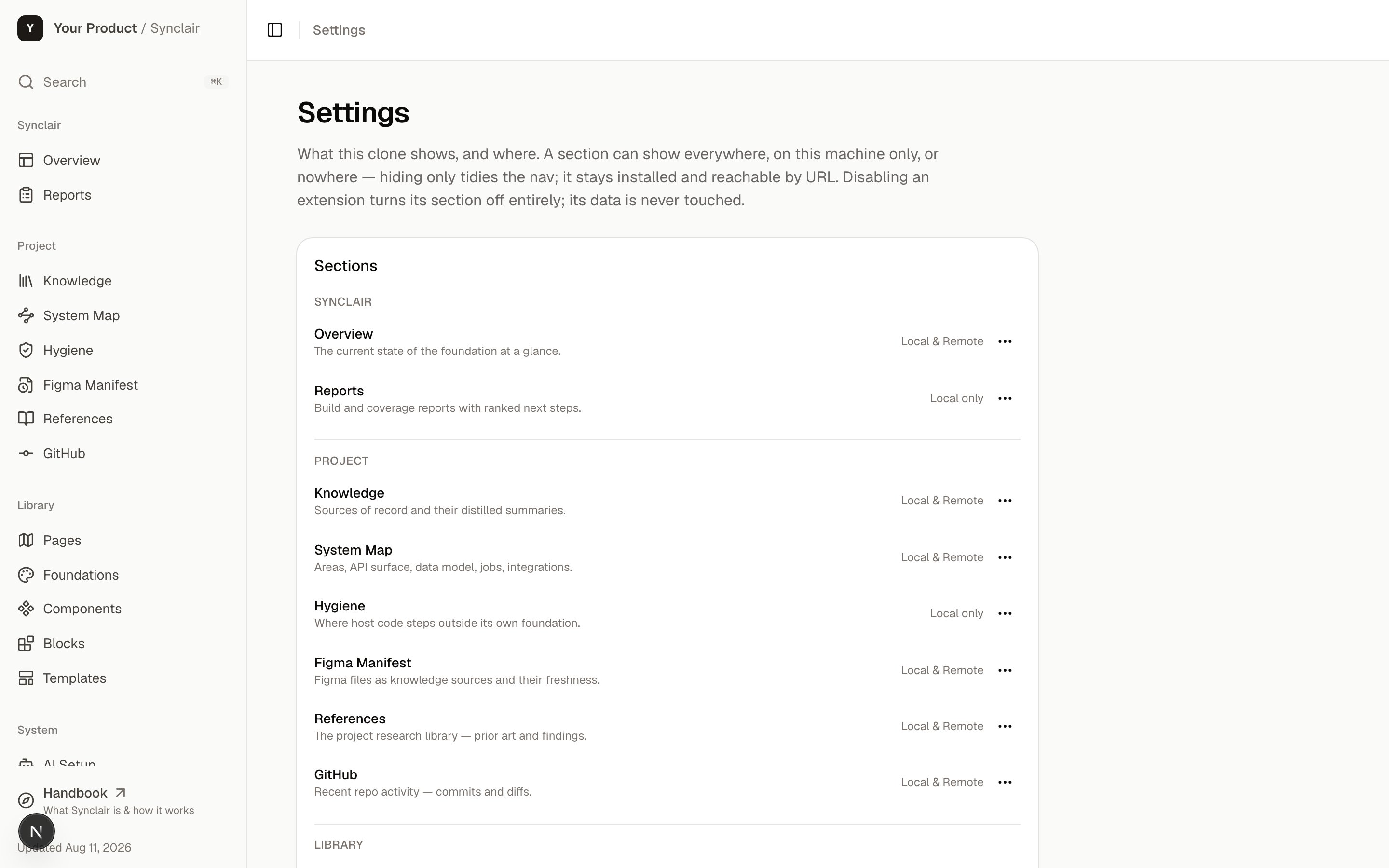
The Settings page: section visibility, extension toggles, and who's allowed to change them. State lives in data/extensions.json and is read on every request, so a toggle — or a hand edit of the file — shows immediately.
Section visibility
Every core section can be hidden. The list mirrors the sidebar — Overview, Reports, Knowledge, System Map, Hygiene, Figma Manifest, References, GitHub, Pages, Foundations, and the Library group. Hiding is a project decision, not a deletion: the route and its data stay, so turning a section back on loses nothing.State lives in
data/extensions.json — a file in git, like everything else here. So “which
sections this project shows” is a reviewable diff and travels with the clone, rather than
being one person’s local preference.Extensions
Core sections are what Synclair ships. Extensions are what a project adds — and the foundation ships the contract, not the extensions.EXTENSIONS in lib/system/extensions-manifest.ts is empty by design. A clone appends its
own entries, and they never sync back — the same rule the rest of the seed follows.
A minimal entry:
Who can change it
Locally there’s no question — the clone is on your machine, you’re its admin. Hosted is different. The hub sits behind the deployment’s sign-in gate, and admins are the union of two lists:
It fails closed where it matters: on a hosted runtime with no identity header, nobody
is an admin.
Related: customizing
What’s safe to change across the whole foundation, what syncs from upstream, and what’s
yours forever.